Web-App
Groups
Scramble Cloud’s Groups feature allows you to create secure, encrypted workspaces for teams, departments, or project-based collaboration. Within a group, members can share files and folders, assign roles with specific permissions, and work together efficiently — all protected by end-to-end encryption.
What are Groups in Scramble Cloud?
Groups are shared environments within your Scramble Cloud account that enable multiple users to collaborate on content in an organized and secure manner. Each group has its own members, permissions, and folder structure. All files and communication within a group are encrypted, ensuring that only authorized users have access.
Benefits of using Groups
- Centralized collaboration – All project-related files are accessible in one shared space
- Role-based access control – Assign permissions tailored to each team member’s responsibilities
- Secure internal sharing – Files remain encrypted during storage and access
- Change notifications – Members are alerted when files are added or modified
Group Roles and Permissions
Scramble Cloud provides a structured permission model to maintain control over access and actions within a group:
- Viewer – Can view and download files but cannot make changes
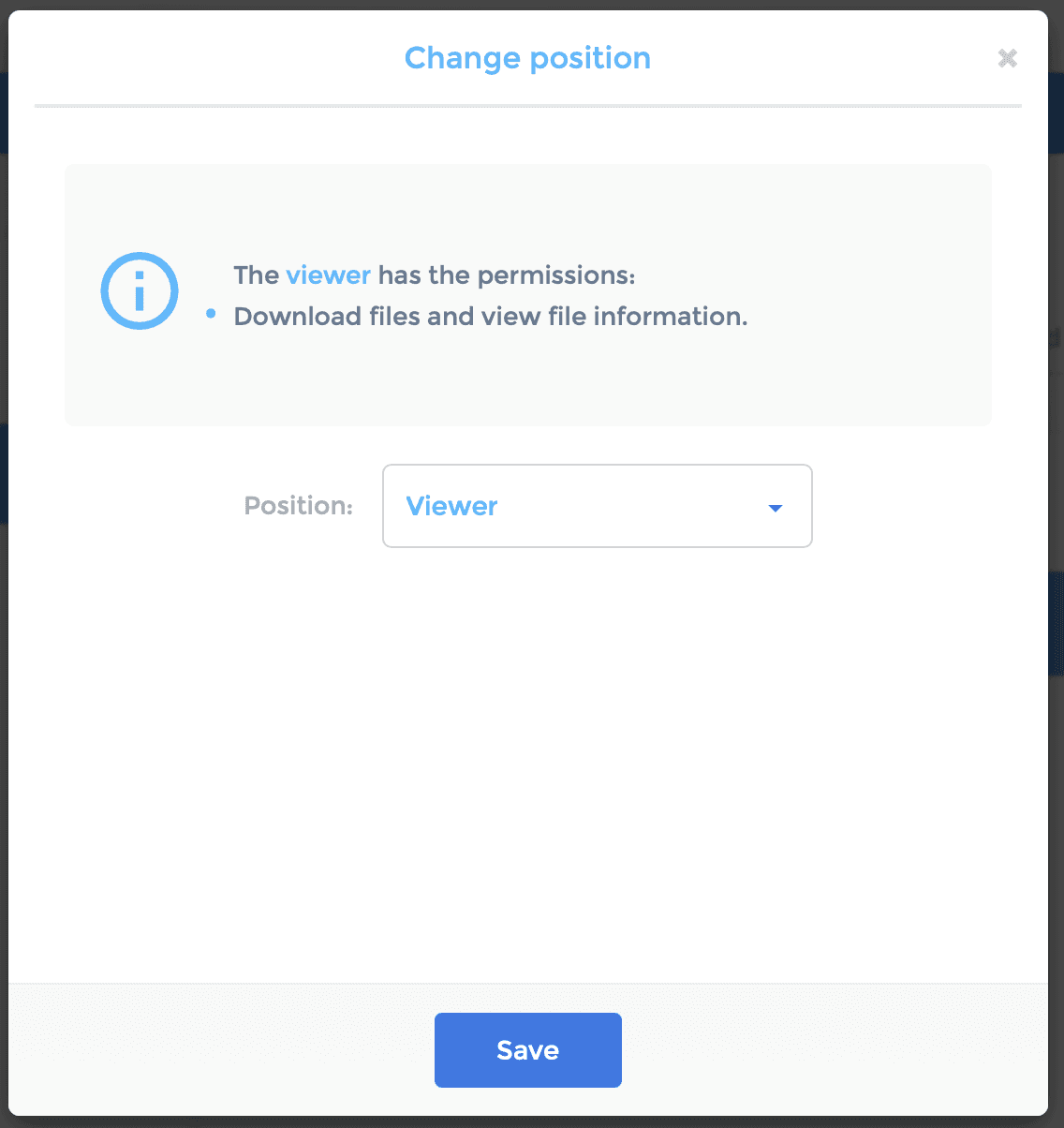
- Member – Can upload and edit files, but lacks administrative privileges
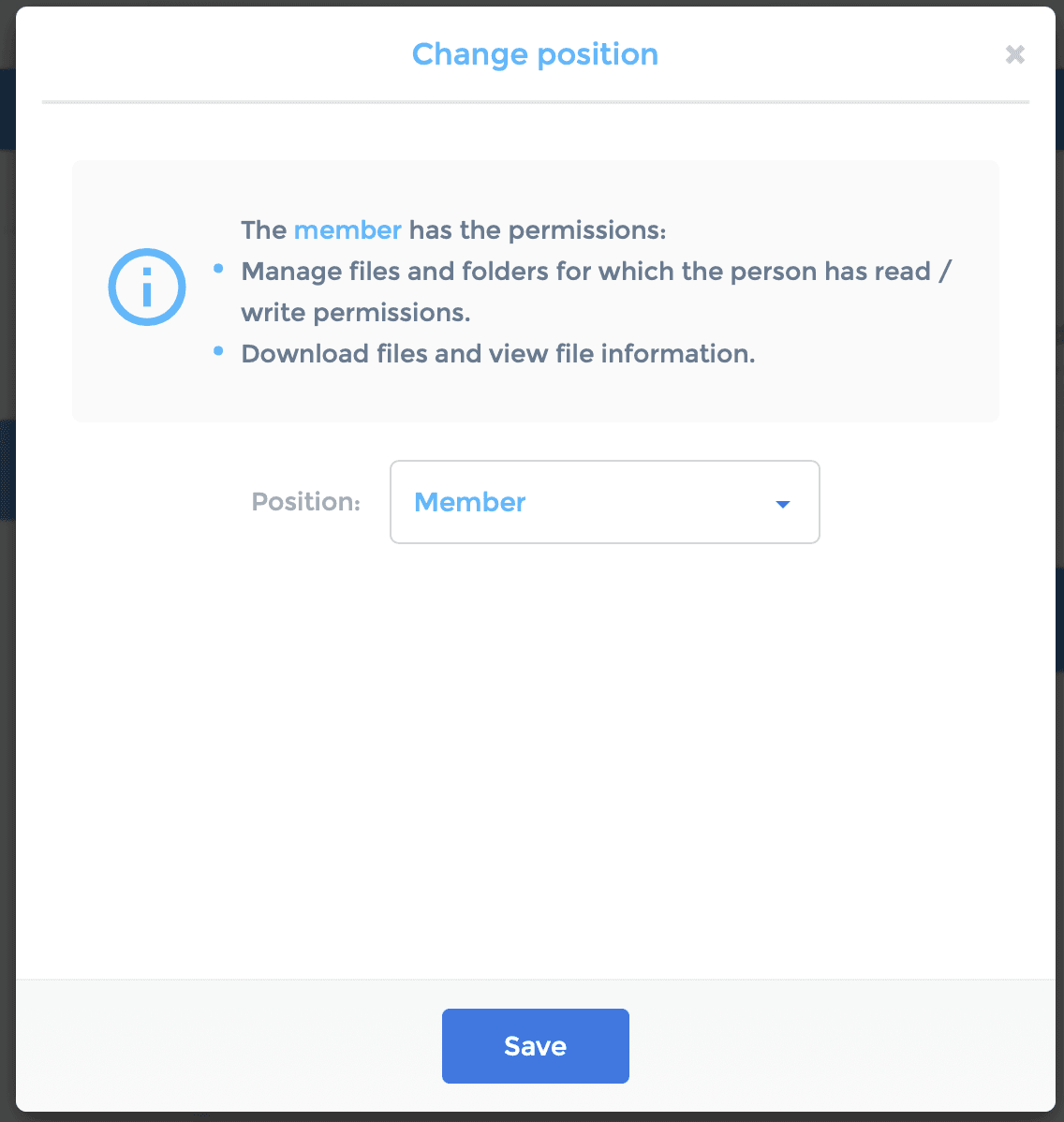
- Contributor – Can create, modify, and share files and folders within the group
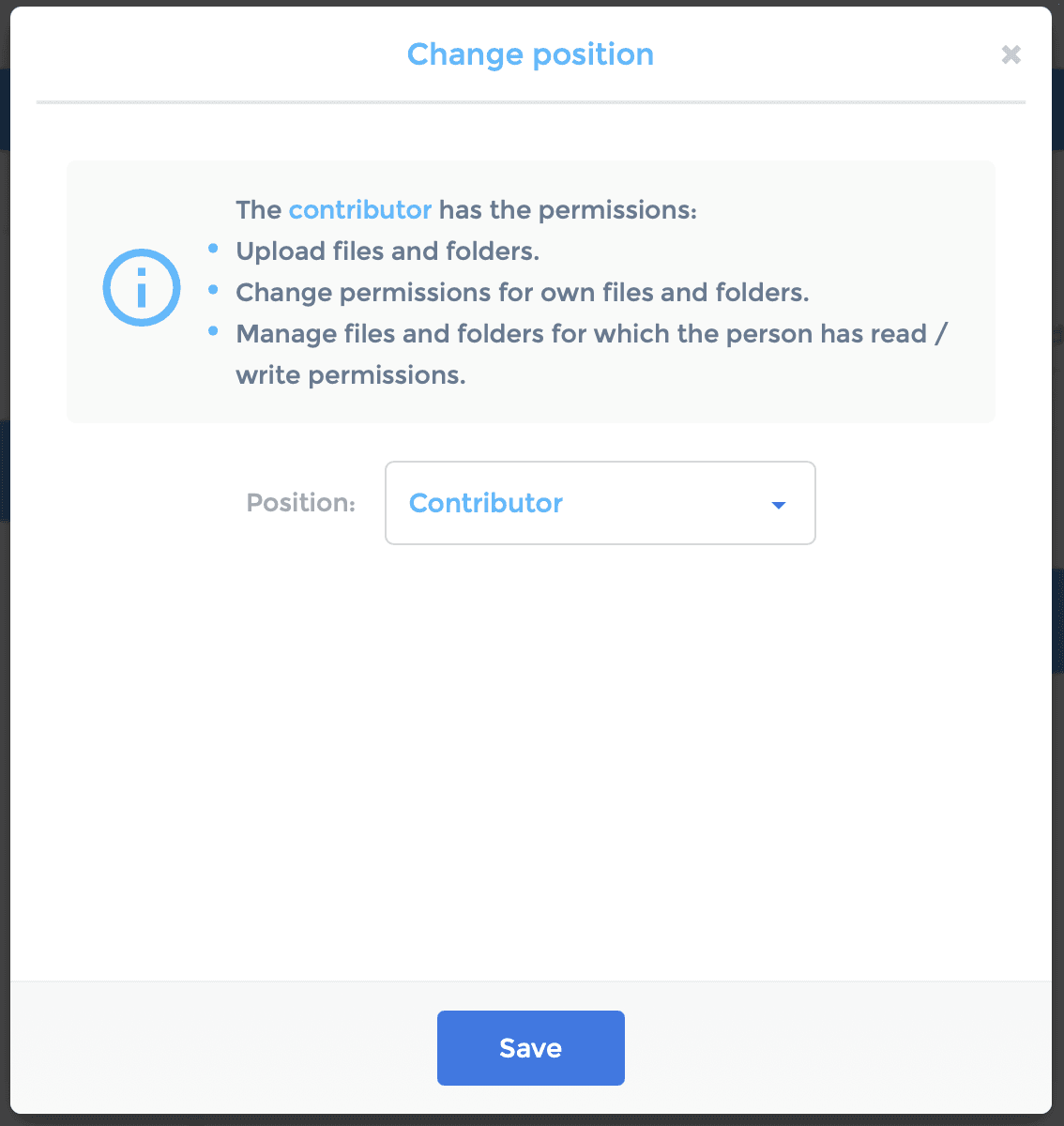
- Administrator – Manages members, assigns roles, and controls access settings
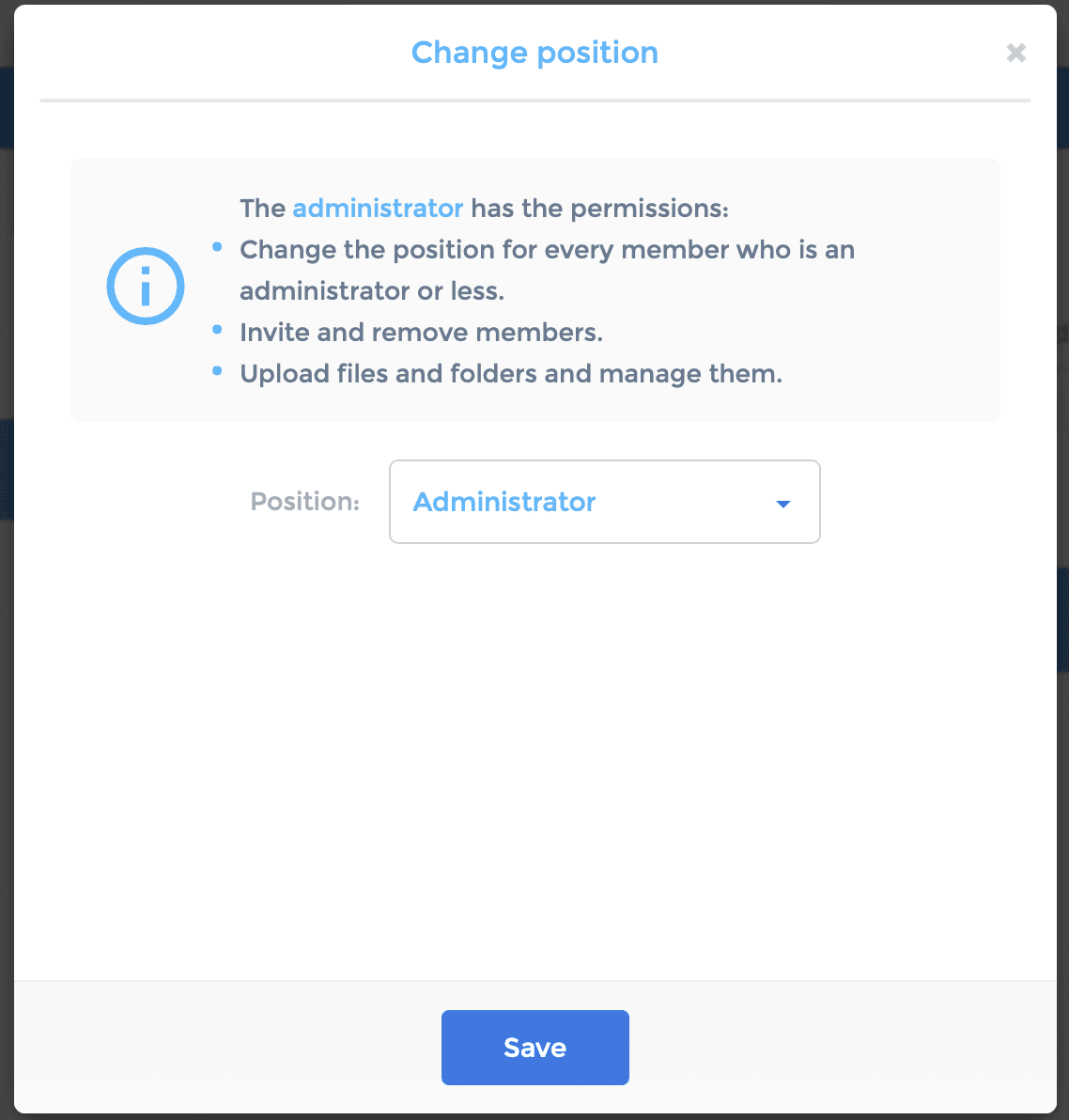
- Owner – Has full control over the group, including deletion rights
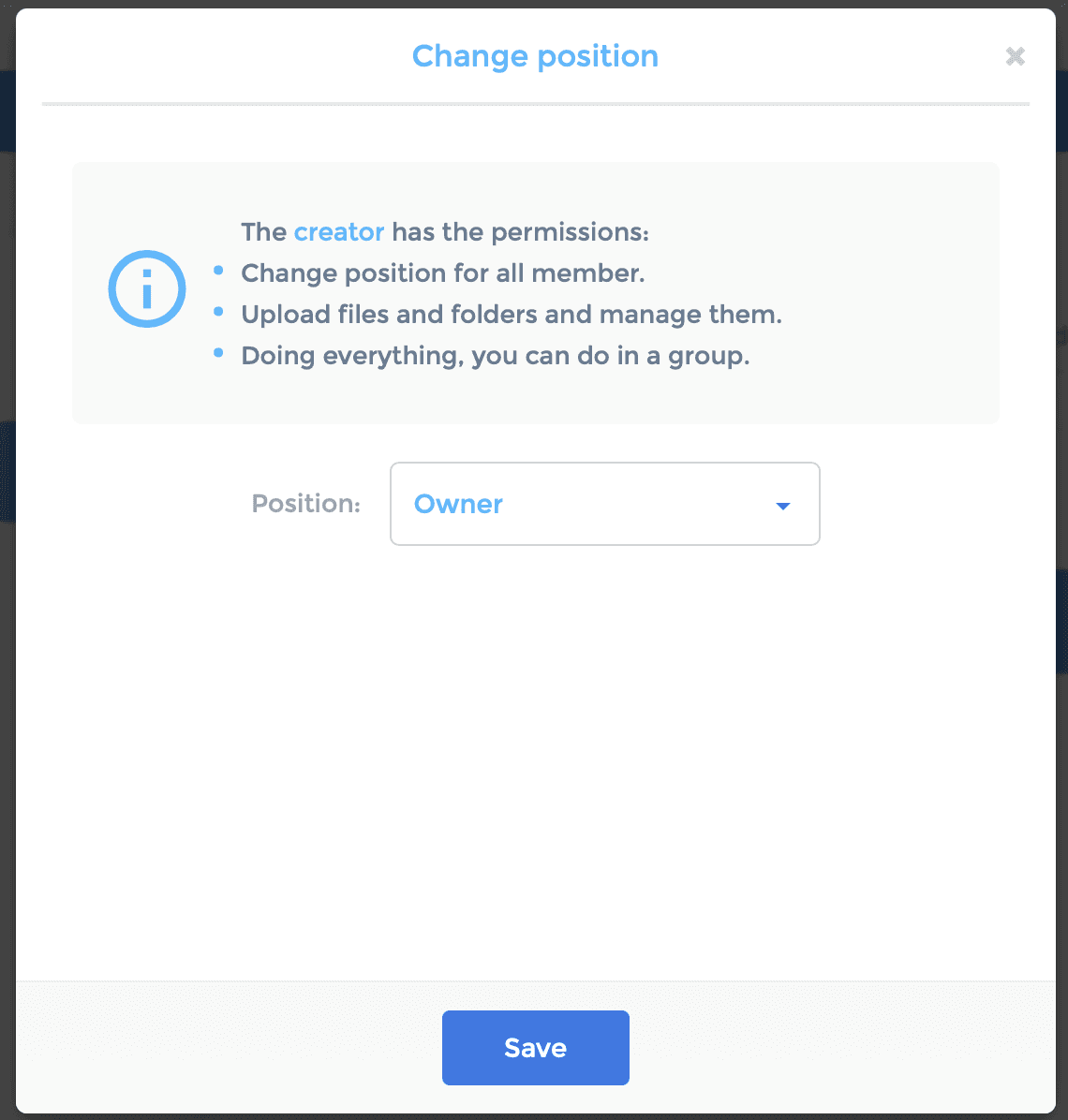
Creating and Managing a Group
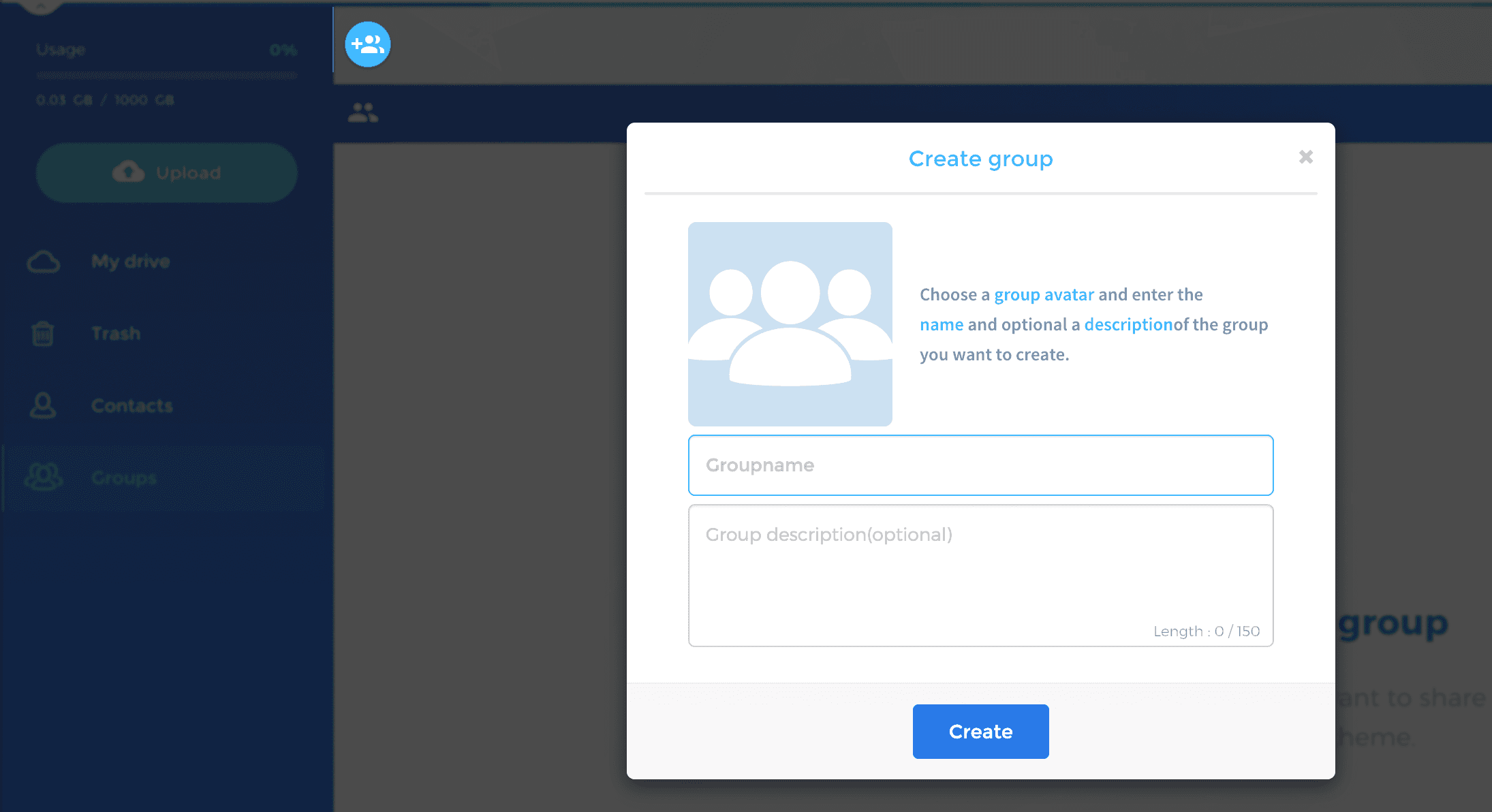
- Create a Group In the Scramble Web App, navigate to the “Groups” section and click “Create New Group”.
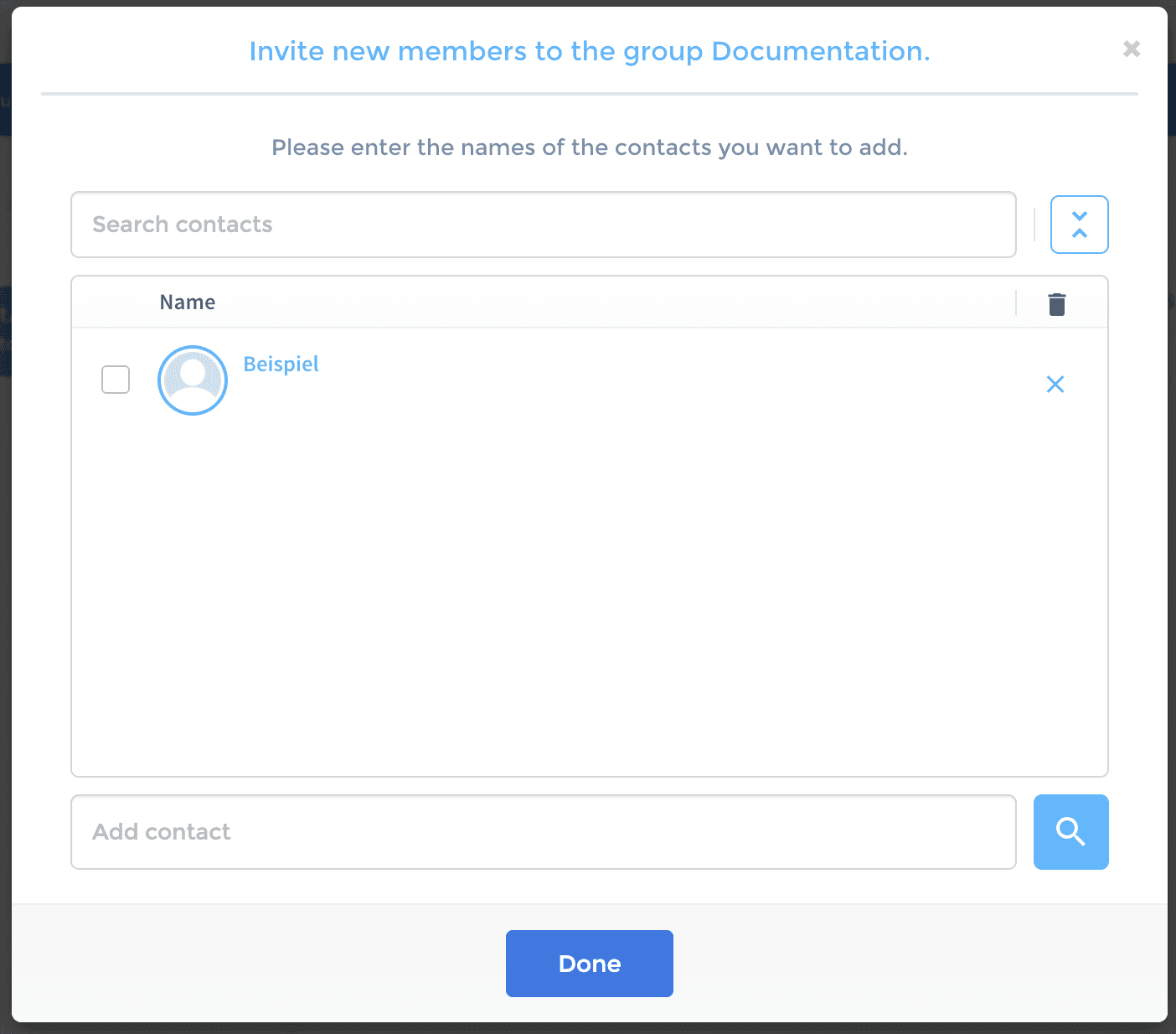
- Add Members Invite Scramble users by entering their email addresses or usernames. Assign appropriate roles to control access levels.
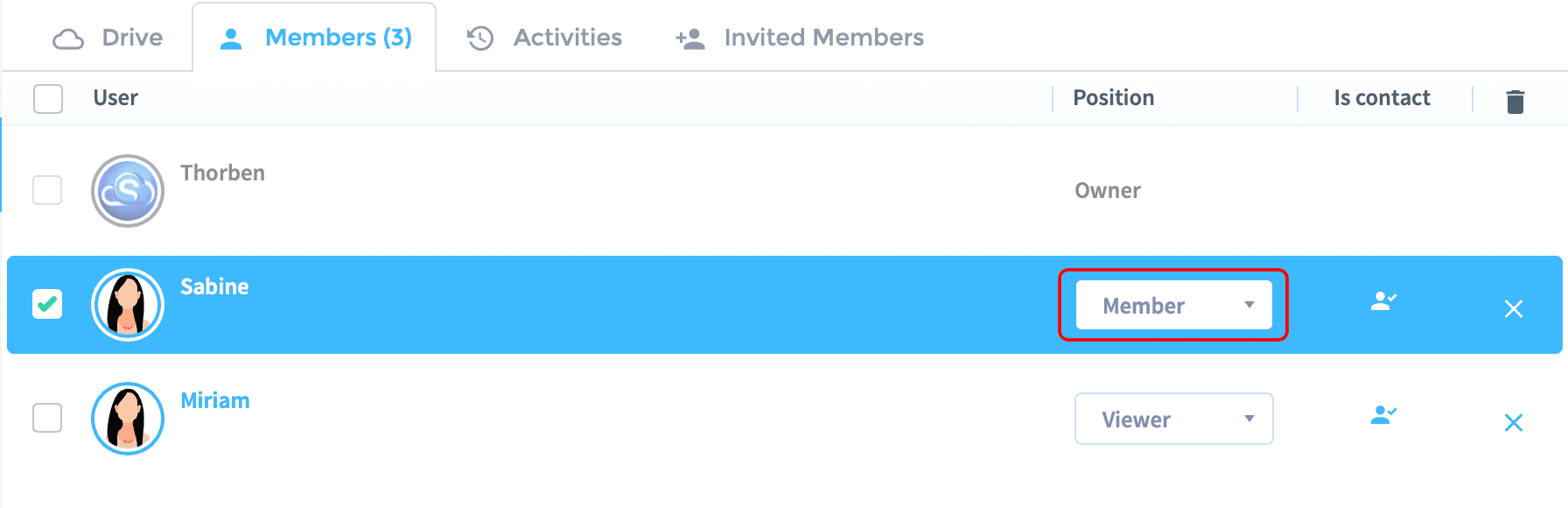
- Manage Permissions Change member roles or file-specific access settings at any time via the group management interface.
Security and Compliance
All data within a group is protected by end-to-end encryption. This means only group members with proper authorization can access the content — even Scramble itself cannot decrypt it. Scramble Cloud complies with leading security standards such as ISO 27001 and GDPR.